

Dialogflow Chatbot
The Project
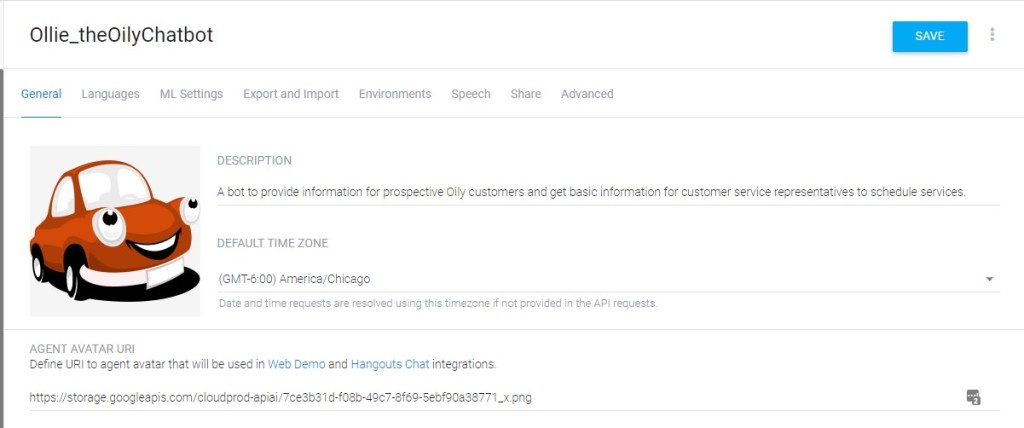
The assignment was to create a chatbot for a website that would benefit from having one. I found a small company, Oily USA, that offered on-site oil changes. The company was new and would benefit from a friendly assistant to attract new customers. Since the country was also dealing with a pandemic, creating a simple way for customers to schedule service without direct personal contact seemed like a benefit for this business. I decided that the chatbot would need to handle the following information:
- Schedule basic oil change services
- Request and process the year, make, and model of vehicle
- Ask about types of services needed
- Allow the customer to add additional services to the initial request.
The Process
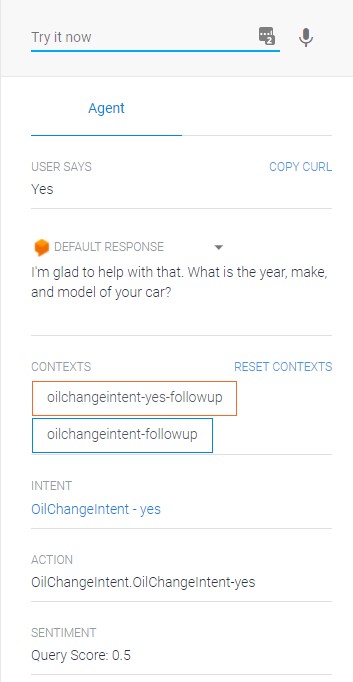
The chatbot was to be written using Google Dialogflow. I used LinkedIn’s course Building Chatbots Using Google Dialogflow tutorial to learn the fundamentals of using intents, entities, fulfillments, and integrations. Since the chatbot used primarily intents and entities, I focused on these two areas.
I chose Oily USA since it was a small company that did not make use of a chatbot on its site. Since its business model was designed around on-site oil changes and car services, it seemed that a chatbot would provice customers with a quick way to make a reservation for service. In addition, oil changes seemed to be a competitive field, so using a simple chatbot interface would benefit customers that did not want to take their vehicle to a dealership and did not want to talk to a representative on the phone.
After I chose the website, I decided to create a list of all of the services that were provided. I charted these out and wrote the intents and entities around answering customer questions and reserving service times.

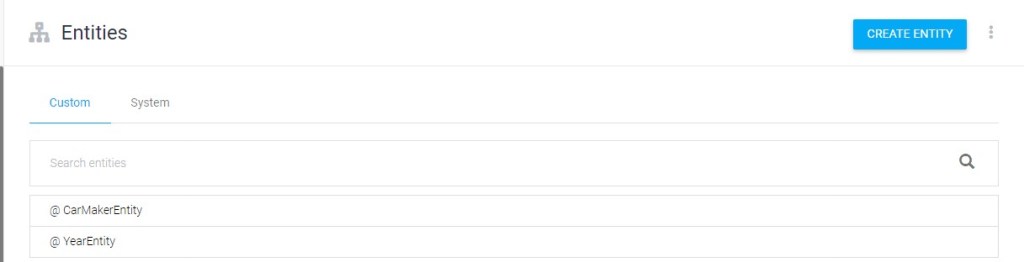
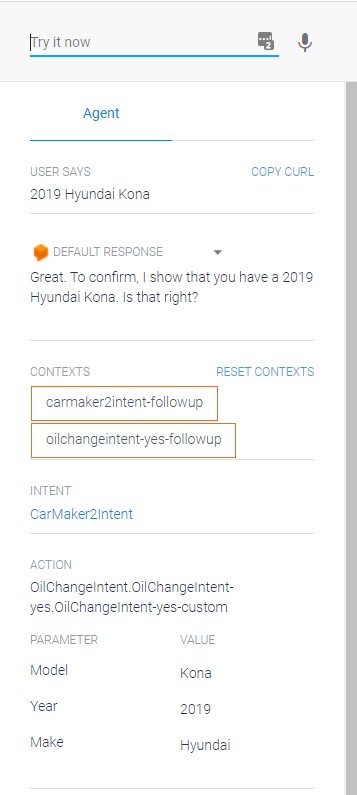
I wrote multiple training phrases for each intent so that my chatbot had the greatest chance of answering queries correctly. Answers were based on services and offers that Oily USA provided. This was also cross-referenced with pricing and specials so that customers would have accurate information. When creating the entities, I had to enter an array of auto manufacturer names that customers would provide. Likewise, the year of manufacture was important to include since that could affect the equipment the service technician would bring.
The Results
The main objectives for this project were to apply principles of usability and design while learning to write dialogue for a chatbot. I successfully completed these objectives by creating a simple yet robust chatbot that could realistically serve as a client interface. Creating a friendly interaction was crucial to establish positive rapport with potential customers, and I accomplished this by keeping the responses friendly and welcoming.
Writing for the chatbot with these considerations has direct implications for my career as a technical writer. I used these concepts recently when writing promotional material for one of my company’s clients. While writing the chatbot, I wanted to make sure that the interface was friendly and welcoming to the customer. I was able to apply this when writing content for a client. The material that I wrote had to follow a specific style guide and tone as dictated by the client. I was able to successfully do this as a direct result of this assignment.
Working on this project also helped with my critical thinking skills. I had to consider what types of questions the chatbot could ask as well as how the user might respond. I have used these critical thinking skills many times in my current position, most notably when writing user tasks and follow up questions. Anticipating how a user will interact with a site and where they might encounter difficulties has made me a much stronger writer.
 Nathan Forshage